
Time tracking
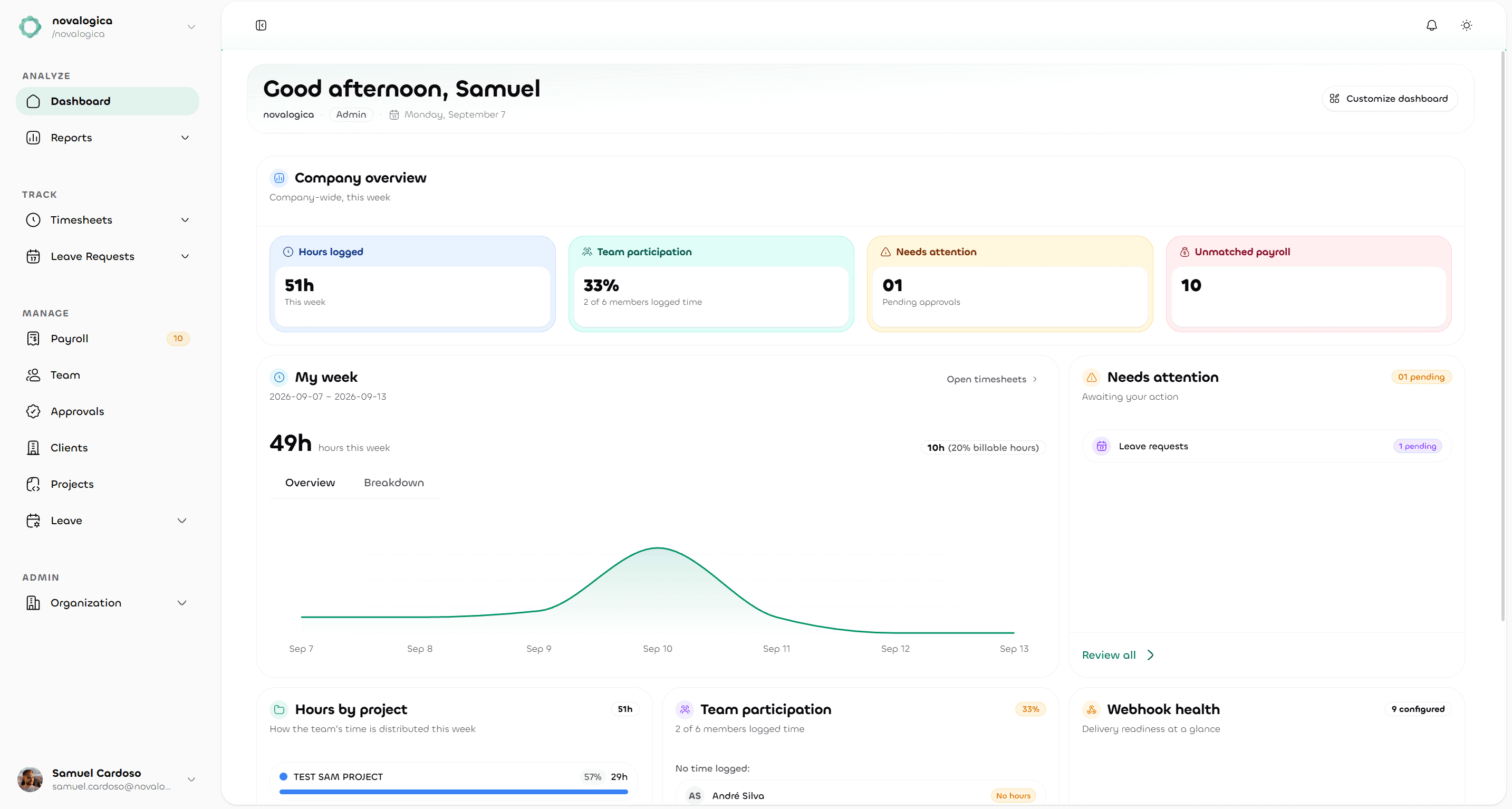
Record working hours against clients, projects and tasks. Review weekly timesheets and turn approved work into reports you can share.
- Record time your way
- Review before closing the week
- Report with context
Kraze is human resources (HR) software developed by novalogica in Portugal for small businesses and project teams. Manage employee records, track project hours, review timesheets and handle leave in one workspace, available in Portuguese and English. The Free plan supports up to 10 users; leave, payroll and learning availability depends on your organization’s configuration.
Start with the Free plan. Grow at your own pace.
For HR teams, managers and project-based businesses.
Kraze HR software, developed by novalogica in Portugal.
Three everyday needs, with the information connected. Explore how Kraze helps organize your team’s work, availability and people.
Record working hours against clients, projects and tasks. Review weekly timesheets and turn approved work into reports you can share.
Bring leave requests, balances and team calendars together, with a comparison against typical alternatives like email and spreadsheets. Give employees a clear way to request time off and managers the context to review it.
Organize employee information, departments and access in one workspace. Keep the people behind your projects connected to the work they do.
Time tracking in Kraze follows 3 steps: record hours, review submitted entries and report on the work. Each entry keeps its project, task and client context, so managers can check what the hours represent before using them in a report.
Kraze offers 2 ways to record hours: a live timer and a weekly timesheet. Connect each entry to its project, task and client, and reuse a template for recurring work. Add a description so reviewers can understand the activity.
Weekly sheets · Timer · Reusable templatesWhere approvals are enabled, managers review submitted hours with their project details, approve entries or request corrections. Keep submitted and approved time separate when reviewing progress, then lock completed weeks to preserve the reviewed record.
Entry status · Manager approvals · Week lockingFilter time by project, person or period, then export a PDF report to share. Check the date range and approval status before comparing totals: recorded hours and approved hours answer different questions about the same week.
Project breakdowns · Filters · PDF reportsPeople management is the starting point. Add the modules you need and keep the team working in the same place.
Keep members, departments, and team responsibilities organized.
Members & departmentsBring requests, allowances, and team availability into one view.
Requests & calendarsManage payroll operations alongside the people behind the work.
Payroll managementGive development a home with courses, learning paths, and certificates.
Courses & learning pathsModule availability depends on your organization’s configuration.
Kraze is HR software for people, time, leave and projects, built in Portugal with a bilingual Portuguese and English interface. It covers everyday HR work: tracking hours by project, approving timesheets, and managing leave requests and balances, with payroll and learning available as optional modules. All data is hosted in the European Union, encrypted with AES-256 at rest and TLS 1.3 in transit. Pricing is public: a free plan for up to 10 users, and paid plans starting at $10/user/month with unlimited users, no sales call required.
A dedicated Kraze subdomain for your team, with membership and role-based access managed in one place.
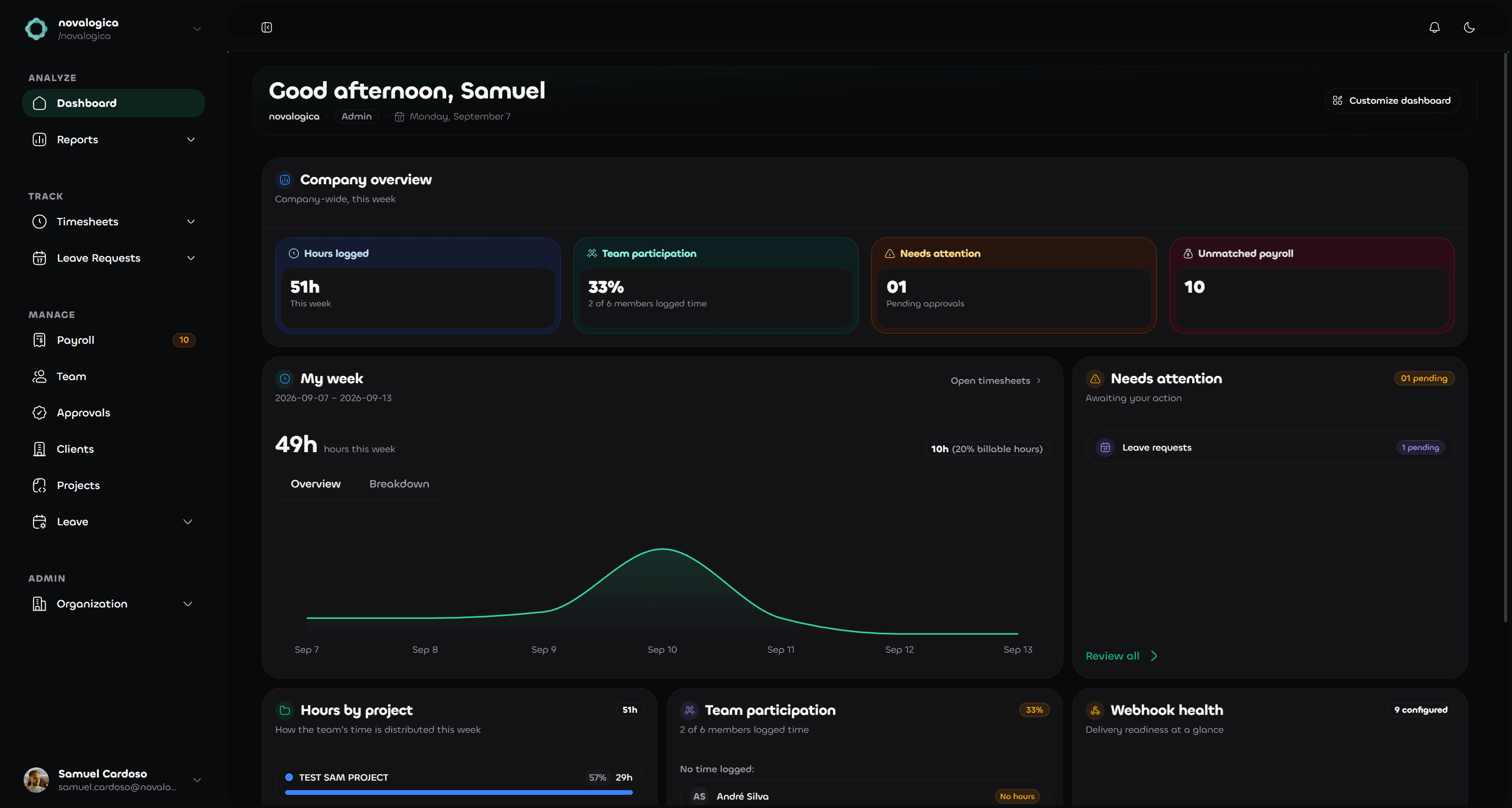
English and Portuguese, light and dark themes, and layouts that adapt from your desk to your phone.
Use webhooks for supported events to keep your other tools informed when work moves forward in Kraze.
Your team's data lives on infrastructure hosted in the European Union, encrypted with AES-256 at rest and TLS 1.3 in transit. Pricing is simple and public, with no hidden costs.
Kraze has 3 published plans in USD: Free at $0 for up to 10 users in 1 organization, Pro at $10 per user per month and Enterprise at $25 per user per month. Both paid plans list unlimited users and a 30-day trial. Compare the included features and module availability before choosing.
For small teams getting started.
For growing teams that need more.
For organizations that need full control.
Annual billing is $100 per user for Pro or $250 per user for Enterprise, charged once a year. The pricing page lists plan limits, included features and billing terms.
Have a question about your team?
Talk to supportKraze is a human resources (HR) platform developed by novalogica, a software company in Portugal. It brings employee records, project time tracking, timesheet approvals and reporting into one workspace. HR teams manage people and availability, employees record their work, and managers review it. Leave, payroll and learning modules depend on the organization’s configuration.
Kraze publishes transparent pricing (Free, Pro and Enterprise plans, no sales call required), hosts all data within the European Union with AES-256 encryption at rest and TLS 1.3 in transit, and offers a bilingual Portuguese/English interface built specifically for teams operating in Portugal. If you need people management, project time tracking and leave management in one workspace, with clear published pricing and EU data hosting, Kraze is built for that.
Use the timer or the weekly timesheet to record hours against projects and tasks. Where approvals are enabled, managers review submitted entries and can approve them or request corrections.
Yes. When enabled for your organization, the Kraze leave module brings together leave requests, balances by leave type and a team calendar. Employees request time off and reviewers approve or reject requests. Managers can consult team availability when planning project work; available actions depend on permissions and the organization’s settings.
Yes. The workspace adapts to smaller screens, including a dedicated mobile layout for weekly time entries. You can also choose between light and dark themes.
Kraze lets you filter timesheet reports and export them as PDFs. Review hours by project, person and period, and choose the relevant approval status before sharing totals. For a weekly project review, use the same date range across reports so the figures are comparable. Export and review actions depend on your role and organization settings.
Create an account, set up 1 organization and invite up to 10 users on the Free plan. Add a client, project and task, then record a first week of work using the timer or weekly timesheet. Review the resulting report with your team before deciding whether Pro or Enterprise features fit your workflow.
Kraze supports webhooks for selected events. Your organization can configure these to send updates to its own tools and workflows. Available events depend on the enabled modules.
Yes. Kraze supports 2 interface languages: Portuguese and English. Developed by novalogica in Portugal, it is designed for teams that need to manage people and project work in either language. Public product pages, pricing and the HR software buying guide are also available in both languages.
The Free plan costs $0 and includes up to 10 users in 1 organization, weekly timesheets, a timer and basic reports. Pro is $10 per user per month or $100 per user per year; Enterprise is $25 per user per month or $250 per user per year. All prices are in USD. Both paid plans list unlimited users and a 30-day trial. Confirm optional module availability for your organization on the pricing page or with the team.
Recorded hours show time entered; approved hours show time accepted by a reviewer. For example, a week with 24 approved hours and 8 hours awaiting approval contains 32 recorded hours, with 75% approved (24 ÷ 32 × 100). This is an illustrative calculation, not customer research or a productivity score. Check approval status before using a total in a project review.
Try one representative project with the people who record, review and report on its hours. Check that employees can capture the right client and task, managers can follow the approval process, and the exported PDF answers your reporting questions. Compare user limits, language support, access controls and required modules against the published plans. This gives your team a concrete workflow to assess before committing.
Create your organization, invite your first colleagues and start organizing work. Our team can help you work through the next steps.
Free plan for up to 10 users.